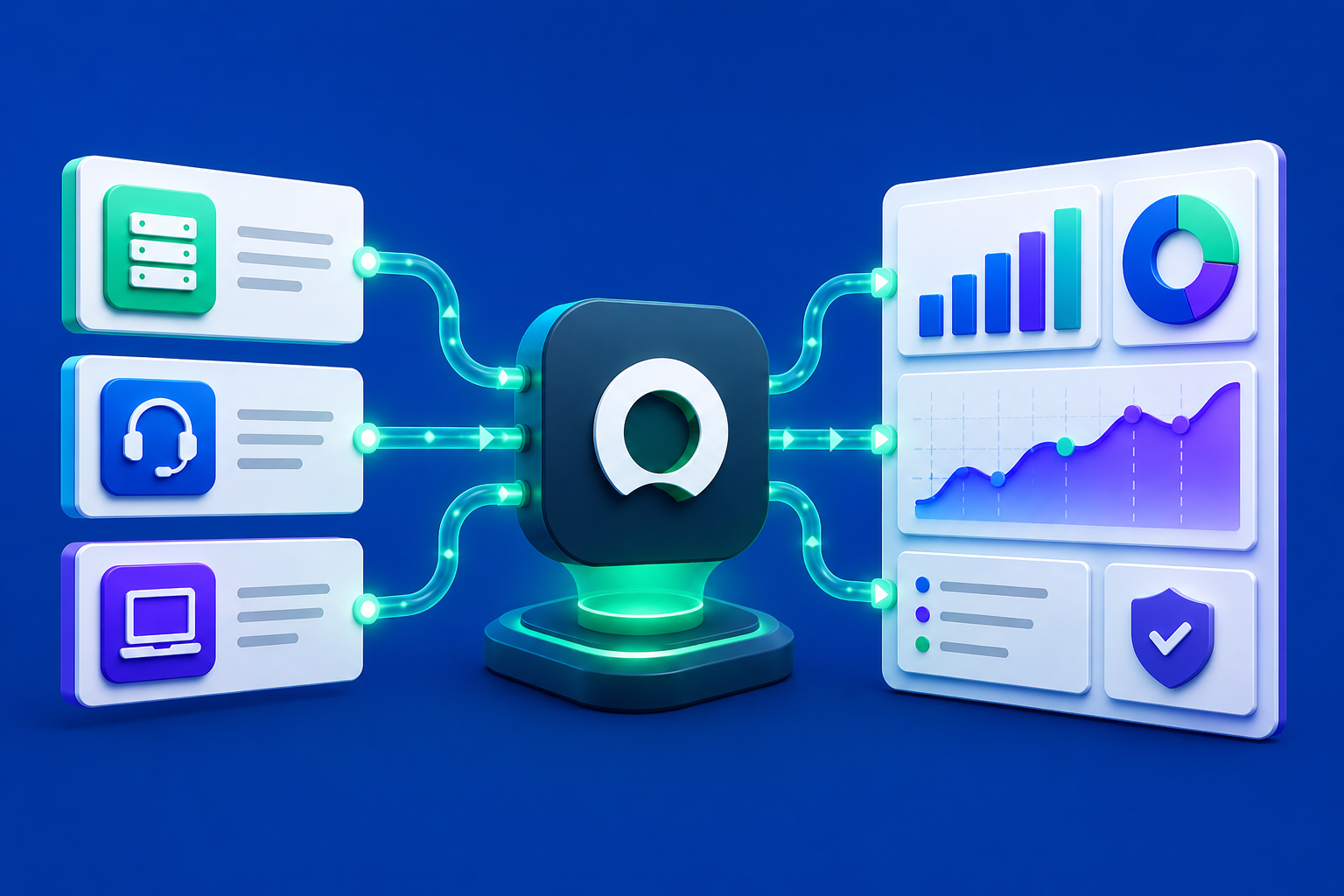
Most organizations running ServiceNow are sitting on one of the richest operational datasets in the enterprise. Incident records, change requests, SLA performance, asset inventories, approval workflows: it is all there, accumulating in real time. The challenge is that getting that data out of ServiceNow and into the hands of the people who need to make decisions from it has historically been harder than it should be. A ServiceNow connector changes that equation. It creates a live, structured link between your ITSM platform and the analytics tools, reporting workflows, and automation pipelines that your operations, IT, and business teams depend on every day.
What a ServiceNow Connector Actually Does
At its core, a ServiceNow connector is an authenticated, structured connection between your ServiceNow instance and an external platform. When you configure one, you are giving that platform the ability to query ServiceNow's tables and APIs on a defined schedule, pull the records and fields your workflows require, and make that data available for analysis, transformation, or reporting without anyone having to manually export a spreadsheet or log into the platform to run a report. For teams that need fresh ServiceNow data every morning, or every hour, that automation is the difference between a process that runs itself and one that requires a person to manage it.
The connectors that work best in practice are ones that do not require engineering involvement to set up and maintain. An operations analyst or an IT reporting specialist should be able to connect to ServiceNow, browse the available tables, select the fields their reports depend on, and have data flowing into their workflows without writing a single line of code. Once it is running, the connection should stay current automatically: refreshing on the schedule the team defines, picking up new records as they are created in ServiceNow, and surfacing any data quality issues before they make their way into a deliverable.
Who Feels the Pain Most Acutely
The teams that benefit most from a well-configured ServiceNow integration tend to be the ones living in the space between the platform and the business. IT operations analysts responsible for weekly SLA and incident reports know this feeling well. They understand ServiceNow deeply enough to navigate its data model, but they do not have a standing data engineering resource to build automated pipelines for them. Their deliverables, including incident trend reports, change advisory board summaries, capacity utilization dashboards, and executive-facing SLA scorecards, are expected on a fixed cadence, often by stakeholders who have no visibility into how much manual work goes into producing them.
The same dynamic plays out in enterprise operations and shared services functions. A team managing a global service desk might pull incident data from ServiceNow, cross-reference it with HR data to understand staffing ratios, layer on cost data from a financial system, and deliver a monthly operations review to senior leadership in a formatted PowerPoint presentation. Each of those data pulls is manual. Each merge is done by hand. Each formatting pass is a fresh opportunity for error. The ServiceNow connector is only one piece of that picture, but it is often the most time-consuming piece to manage, and the most consequential when it breaks.
A Concrete Example of What Changes
Consider an IT governance team at a large financial services firm. They are responsible for producing a weekly change management report that tracks all approved, implemented, and failed changes across the enterprise, along with risk scores, affected configuration items, and resolution time by team. The raw data lives in ServiceNow. But the report itself requires pulling from three different ServiceNow tables, cross-referencing a separate risk register maintained in Excel, applying a custom priority weighting formula agreed upon in a working group two years ago, and formatting the final output into a slide deck that matches the template the CTO's office expects. The analyst who owns this report spends most of Tuesday collecting and preparing data. The analysis itself takes an hour on Wednesday morning.
When that team adds a proper automation layer on top of a ServiceNow connector, the workflow looks fundamentally different. The data collection runs automatically overnight. The joins across ServiceNow tables are configured once and execute consistently on every cycle. The risk weighting logic is encoded into the workflow and applied without human intervention. The reporting layer assembles the slide deck in the right template, with the right branding and layout, by the time the analyst arrives in the morning. What used to be a day and a half of preparation becomes a review and sign-off process measured in minutes. The analyst is not doing less work. They are doing better work.
What to Look for in a ServiceNow Integration
The first thing to evaluate is whether the connector works alongside your other data sources, not just in isolation. Most ITSM reporting workflows do not live exclusively in ServiceNow. You might need to combine incident data with workforce information from an HR system, cost data from a financial platform, or customer impact data from a CRM. A connector that gives you access to ServiceNow but leaves every other integration as a manual step has not actually automated the workflow. Look for a platform where ServiceNow sits alongside a broad library of enterprise, SaaS, and file-based connections, all managed consistently from the same place.
The second question is what the platform does with ServiceNow data after it pulls it. Raw incident records are not a report. Getting data out of ServiceNow is the beginning of the workflow, not the end. What you want is a platform that can take that data, combine it with inputs from other sources, apply the calculations and business rules your reporting depends on, and keep all of that logic consistent every time the workflow runs. The goal is to encode the work once so that it executes reliably going forward, with no one having to redo it manually each cycle.
Third, think carefully about output format. IT and operations teams often need to deliver findings in ways that match the expectations of their audience, and those audiences are not always looking at dashboards. Executive stakeholders want slide decks. Finance wants formatted Excel files. Project managers want structured reports in Word. If the platform can take your ServiceNow data, apply your business logic, and deliver a finished PowerPoint or Excel file in your organization's template, that is a materially different capability from a tool that stops at the visualization layer and leaves final formatting to you.
Finally, evaluate how much technical support the platform requires to operate day to day. A ServiceNow integration that demands a data engineer every time a table structure changes or a new field is added will always create bottlenecks. The best platforms are ones that an operations analyst or IT reporting specialist can configure and maintain independently, using natural language to ask questions of the data and a visual workflow builder to adjust the logic without waiting on an engineering ticket.
How Redbird Connects to ServiceNow and the Broader Enterprise
Redbird is an AI-powered workflow automation platform that connects to ServiceNow as part of a connectivity layer spanning enterprise systems like SAP, Oracle, and Workday; cloud data warehouses including Snowflake and Databricks; SaaS platforms across marketing, sales, and finance; file-based sources; and legacy systems where no standard API exists. The ServiceNow connector brings your ITSM data into an environment where purpose-built AI agents handle every step of the workflow that follows, from ingestion and transformation through analysis and production-ready output delivery.
When a team connects ServiceNow to Redbird, they are not simply enabling a data feed. They are bringing the platform into a workflow where a Data Collection Agent pulls from ServiceNow and every other configured source; a Data Engineering Agent harmonizes and transforms the data, resolves conflicts across sources, and ensures what comes out is clean and analysis-ready; an Analyst Agent applies custom metrics, business logic, and the specific calculations that a given report depends on; and a Reporting Agent assembles the final deliverable in whatever format the stakeholders expect, using existing templates and branding standards without any manual formatting work. Every step of every workflow is fully auditable, and the entire process runs on a scheduled cadence with no manual intervention required.
In practice, this architecture collapses timelines that previously spanned days into processes that complete in minutes. Teams that used to allocate 60 to 80 percent of analyst time to data preparation report a dramatic reduction in that burden after deploying Redbird, and the time that is freed up moves upstream, into interpretation, strategic analysis, and the kind of judgment that requires human expertise. Redbird works with organizations across financial services, technology, healthcare, and consumer goods, including eight of the Fortune 50, in environments where accuracy, governance, and scale requirements leave little room for manual processes that can fail.
The Bottom Line
A ServiceNow connector is the entry point to something more valuable than data access. It is the foundation of a reliable, repeatable workflow that takes your ITSM data from source to finished output without the manual steps that slow teams down and introduce error. The organizations getting the most from their ServiceNow investment are not the ones who have simply enabled the API. They are the ones who have built an automation layer on top of it: one that combines ServiceNow data with every other source the report depends on, applies the logic that makes the output meaningful, and delivers findings in the format stakeholders actually use. If your IT and operations teams are still spending the majority of their time gathering and preparing data rather than acting on it, it may be time to find an end to end solution that automates not just the connection, but every step that follows it.