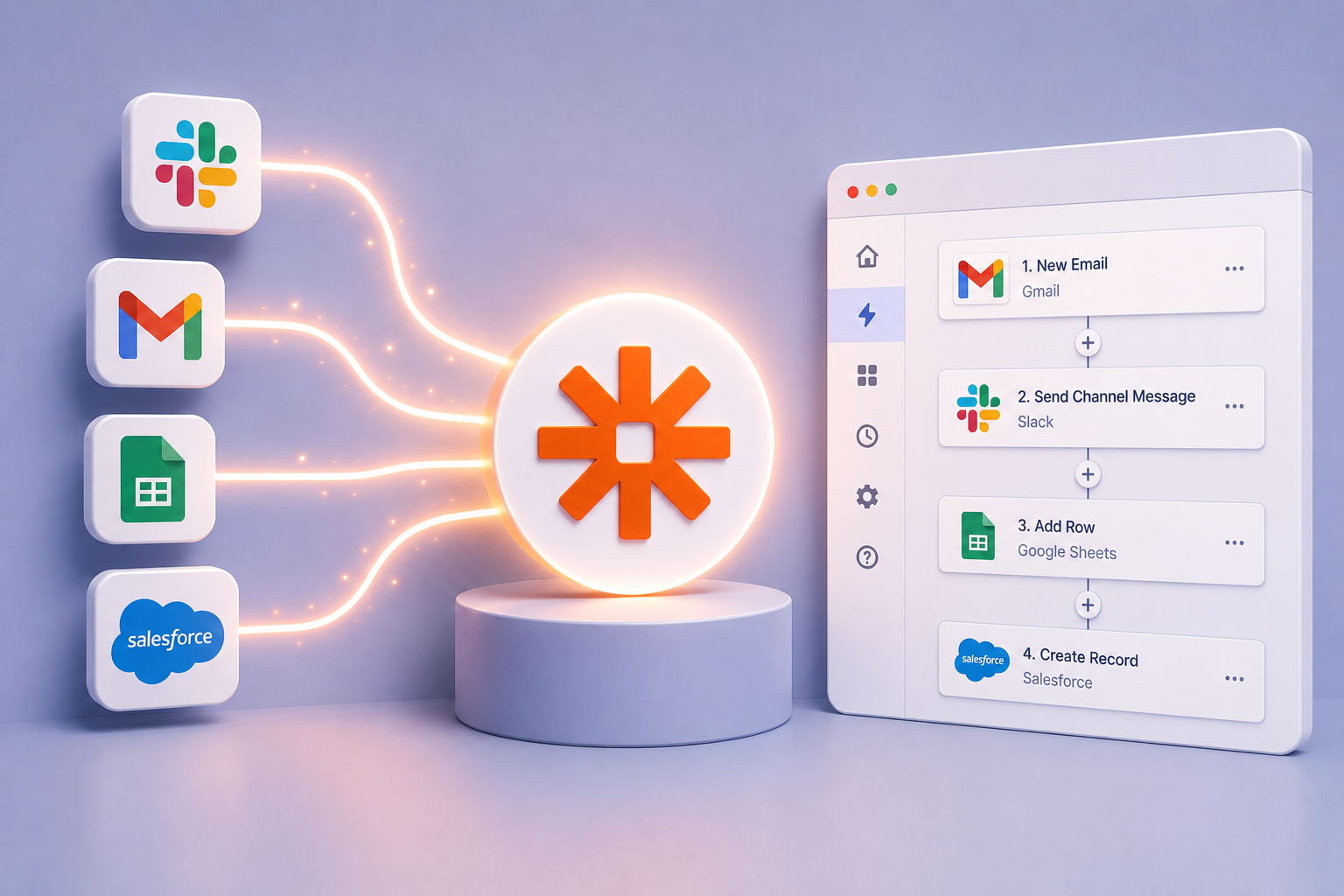
Zapier has been a fixture in the automation world for over a decade. For teams looking to connect two apps and trigger simple actions, like sending a Slack message when a form is submitted or logging a contact when a deal closes, it delivered on its promise. But the business world has changed considerably since Zapier first popularized the "trigger-action" model, and the kinds of problems users are asking their teams to solve have grown well beyond what that model was designed to handle.
Today, the teams feeling the sharpest pain are not struggling with simple handoffs between SaaS tools. They are buried in manual data work: pulling numbers from Google Analytics, Campaign Manager, Facebook, and LinkedIn, stitching them together in spreadsheets, reformatting them for weekly reports, and then doing it all again next week. These workflows are repetitive, error-prone, and deeply exhausting for the analysts who perform them. And they are exactly the kind of workflows that Zapier was never really built to solve.
This article is written for users who want to understand the landscape: what Zapier does well, where it runs out of road, and which alternatives are worth evaluating for teams looking to automate their most tedious, manual workflows, whether that means connecting data across systems, running analysis, executing an operational task, or generating a report.
Why Teams Start Looking for Zapier Alternatives
Zapier’s core model is elegant in its simplicity: you define a trigger in one app, and an action follows in another. That works beautifully for lightweight, linear tasks. The trouble starts when businesses grow and workflows become more complex.
Zapier was built for a world where automation meant moving records between systems, not for an AI-first world where software can intelligently work with the data itself. It was not designed to harmonize data, build custom calculations and mapping logic, run statistical or data science workflows, detect anomalies, or generate fully formatted, branded PowerPoint presentations and Excel workbooks from the information flowing through it. Zapier was not built as an AI-native tool where the primary interface enables business users to simply describe what they need in natural language and AI agents manage workflows autonomously for users. Everything revolves around rigid workflows defined step-by-step in advance through a point-and-click interface.
As workflows expand across multiple data sources and require transformation, enrichment, analysis, and stakeholder-ready outputs, the platform quickly runs out of road. Teams end up stitching together brittle chains of partial automations while the hardest analytical work still falls back on humans. For business teams who lack deep technical skillsets these limitations are not minor inconveniences. They are the reason the manual work never actually disappears.
The Main Zapier Competitors
Before arriving at the best option for analytics and reporting teams, it helps to understand what the broader market looks like.
Make
Make is often the first place people land when they outgrow Zapier. If Zapier is the plug-and-play option, Make is the power user's playground. It uses a visual drag-and-drop builder where users map out workflows like a flowchart, showing exactly how data moves between applications. Make is meaningfully more affordable than Zapier at scale, and its visual builder is well-suited to workflows with branching logic and data transformation steps.
The limitations become clear quickly for analytical teams though. While Make is stronger than Zapier at coordinating workflows between systems, it still struggles once the work moves beyond straightforward automation into complex data operations. Tasks like reconciling inconsistent data sources, applying sophisticated business logic, running statistical analysis, identifying anomalies, or producing stakeholder-ready outputs are outside the platform's core strengths.
The platform also demands a fairly high level of technical comfort to build and maintain anything substantial, and there is no AI-first natural language interface that allows a business user to simply describe the outcome they want. Make can effectively connect tools and move information between them, but it was not built to deliver polished reports, branded presentations, or fully validated datasets that require cleaning, enrichment, verification, and analytical interpretation. For technically capable teams, it is a meaningful improvement over simpler automation tools, but it still leaves the hardest analytical work to people rather than the platform itself.
n8n
n8n has attracted a following particularly among technical users and companies with developers on staff who want flexibility and control. One of n8n's greatest strengths is enabling highly sophisticated automation solutions, and it works off of a self-hosting deployment model. Its open-source roots and code-first philosophy make it genuinely powerful for engineers.
However, n8n's power comes with a significant caveat: it requires developers to unlock. Non-technical teams face a steep learning curve, and there is no natural language interface that would allow an analyst to describe a workflow in plain terms and have the platform build it. Any AI or data science capability has to be custom-built by an engineer, which means every intelligent transformation, every classification or tagging task, becomes a development project. For a user whose goal is to free up analysts from manual work, not to create a new engineering dependency, n8n is not a realistic fit. It solves a technical problem for technical people, and it requires ongoing maintenance and infrastructure management that most business teams do not have the capacity to take on.
Workato
Workato sits at the enterprise end of the market. It is built for organizations where automation failures have real financial or compliance consequences, and where IT needs full visibility, governance, and control over every workflow. Workato's strength is breadth: connecting ERPs, CRMs, HRIS platforms, and legacy systems in large enterprises that have strict regulatory requirements.
The trade-off is cost and complexity. Workato is not cost-effective for smaller teams, and the implementation timeline is substantial. For a marketing or insights team that wants to automate reporting without a major software commitment or a months-long rollout, Workato is likely overkill. It is an enterprise IT platform that happens to have business-user features, not the other way around.
Microsoft Power Automate
For organizations already deep in the Microsoft 365 ecosystem, Power Automate is worth considering. Its connections to Outlook, Teams, SharePoint, Dynamics 365, OneDrive, and the broader Microsoft ecosystem are deeper and more reliable than any third-party platform. If your team's world revolves around Microsoft tools and you need workflows that stay within that environment, Power Automate can cover a lot of ground.
Outside of the Microsoft ecosystem, though, it loses its edge quickly. Teams that depend on Google Analytics, Facebook Ads, LinkedIn, Snowflake, or a mix of other data sources will find Power Automate's integrations thin and its data transformation capabilities insufficient for the kind of multi-source, data-driven work that analytics teams do every day.
Why These Tools All Fall Short for Analytics, Operations and Reporting Work
The platforms above share a common lineage: they were built to automate simple interactions between tools. At their core, they are integration platforms designed to route records, trigger notifications, and synchronize information across systems.
What they share just as importantly are the limitations. None are designed to perform advanced data prep and analytical work. They cannot harmonize disconnected datasets, apply sophisticated calculations or business logic, detect anomalies, run statistical analysis, or generate polished stakeholder-ready outputs. They also lack a natural language interface that allows a business user to describe a workflow in plain English and have the platform understand and execute it. These systems follow predefined instructions; they do not intelligently reason about the data or collaborate with the user to produce an outcome.
That distinction matters because the workflows run by analytics and reporting teams are fundamentally different from simple system-to-system automation. Their work is not just about moving data between applications. It involves ingesting information from multiple disconnected sources, cleaning and transforming that data, applying analytical intelligence to it, and delivering finished outputs such as PowerPoint presentations for client reviews, Excel models for finance teams, or email executive summaries for leadership on a recurring basis. That is an entirely different category of workflow, and it is one the platforms above were never designed to solve end to end.
This is the gap Redbird was built to close.
Redbird: Built for the Work That Actually Needs Automating
Redbird is an AI-powered workflow automation platform built specifically to automate teams’ most tedious, manual workflows. What distinguishes Redbird is not just the systems it connects to, but what it can do with the data once it has it. While most automation platforms simply move information between tools, Redbird applies analytical intelligence to the data itself. It can classify records, apply business logic, run statistical and data science operations, detect anomalies, and perform complex transformations that turn raw inputs into stakeholder-ready outputs.
Just as important is how teams interact with the platform. Redbird is built around a natural language interface, allowing analysts to describe what they need in plain English instead of manually configuring workflows step by step or writing code. Redbird's AI agents translate those requests into executable pipelines automatically. For teams that have historically relied on engineers or data specialists to build meaningful automations, this fundamentally changes the operating model. The people who understand the reporting requirements best, the business users themselves, can now build, iterate on, and manage workflows directly.
The platform is designed for teams that live this problem every day: marketing teams preparing recurring campaign performance reports, research and insights teams combining survey data with third-party analytics, and finance teams consolidating information across systems to produce monthly reporting and variance analysis. In many organizations, these teams operate without dedicated data engineering support, leaving business users to spend significant portions of their time on repetitive manual work that traditional automation tools were never able to fully address.
Redbird connects to the systems these teams already use, including Google Analytics, Google Ads, Facebook, LinkedIn, Campaign Manager, Snowflake, Google Drive, and countless other source systems. Users can describe the deliverable they need, and Redbird manages the full workflow: ingesting, merging, transforming, enriching, validating, and formatting the data before generating finished outputs in the required format, whether that is a PowerPoint presentation, Excel workbook, Word document, email, or interactive web application.
What separates Redbird from general-purpose automation tools is the combination of depth and accessibility. The platform does not stop at moving data or handing users a partially prepared dataset to finish manually. It automates the full lifecycle from ingestion and transformation through analysis and final delivery, while remaining usable by business teams without requiring engineering support. Every action is transparent and auditable, allowing teams to trust the outputs rather than spending hours manually validating them.
For organizations where business teams lose substantial time each week to repetitive data and reporting work, this distinction is significant. Traditional automation tools still leave people responsible for data prep, interpretation, formatting, validation, and delivery. Redbird automates the entire workflow end to end.
Reliability Built In
One of the most persistent frustrations with automation platforms is operational fragility. APIs change, schemas evolve, and workflows that previously ran reliably begin failing silently. Teams often discover the problem only after a report is missed or stakeholders identify incorrect numbers downstream.
Redbird addresses this with self-healing workflows and fully auditable agent actions. The platform can automatically identify and repair workflow steps when APIs or underlying data structures change, reducing operational maintenance and minimizing reporting disruptions. For teams producing client deliverables, executive reporting, or regulatory submissions, this level of resilience is not optional; it is foundational.
Enterprise-Grade for Serious Organizations
Redbird is also designed to meet the governance and security requirements of enterprise organizations. The platform is SOC 2 Type II certified and supports both private VPC and fully on-premises deployments for organizations with strict data residency or governance requirements. Features such as SSO/SAML, role-based access controls, and comprehensive audit logging are included by default. For enterprise marketing, finance, and operations teams where IT and security stakeholders are deeply involved in software decisions, these capabilities are essential.
How to Choose the Right Tool for Your Team
The right choice depends almost entirely on what your team is actually trying to automate. If the goal is to sync records between a CRM and a marketing platform, or to trigger a Slack notification when a deal closes, Zapier or Make can handle that efficiently. Those are legitimate use cases, and those tools were built for them.
If your team is spending hours each week collecting data from multiple sources, syncing data between those systems, preparing data for analysis, and producing formatted reports for internal or external stakeholders, then the general-purpose integration tools in this comparison are going to leave most of that work on the table.
There is huge automation opportunity for business teams in eliminating the manual labor between source systems and finished outcomes, and doing so with AI that can actually think about the data rather than just move it. That is the problem Redbird was built to solve, and it is the reason that teams evaluating Zapier competitors in 2026 should include it at the top of their list.
Final Thoughts
The automation market has grown significantly more sophisticated in recent years, and the tools available today reflect that. Zapier remains a reliable choice for simple trigger-action workflows. Make offers more depth for teams willing to invest in a visual workflow builder. n8n gives technical users control and flexibility. Workato serves large enterprises with complex integration needs.
But none of these platforms were designed for the specific, high-value problem that business teams face every day: the need for AI-driven intelligence, complex data transformation, and a platform intuitive enough that business users can build and own their own workflows. Redbird was. For users looking to meaningfully reduce the manual burden on their teams, not just streamline a few simple app connections, it represents a different category of solution entirely, and a more direct answer to where the real work, and the real opportunity, actually lives.