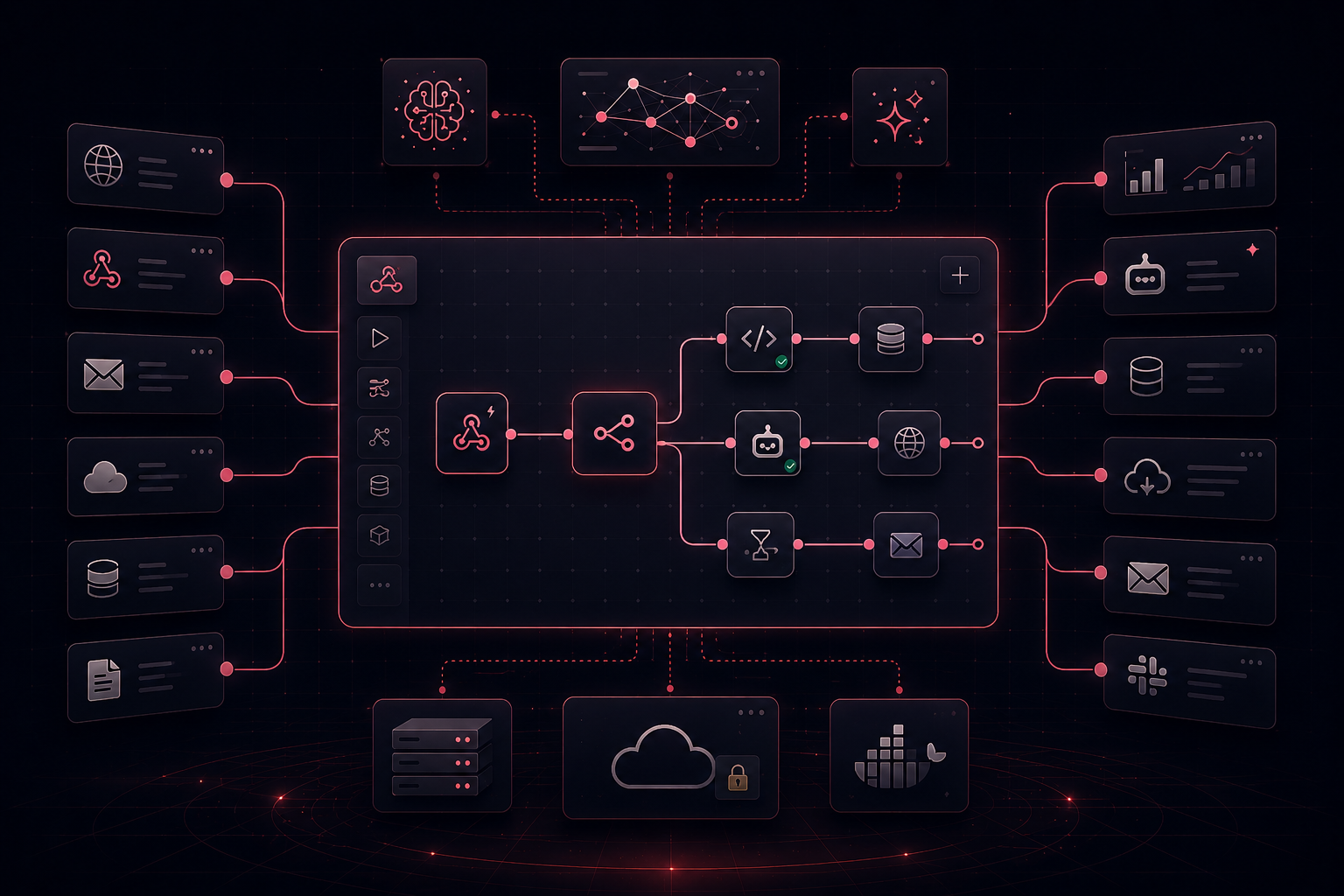
n8n has built a genuine following, and for good reason. Its open-source architecture, self-hosting flexibility, and support for real code inside workflows set it apart from the cloud-only, low-code tools that dominate the market. For engineering teams that want total control over how their automations run, where their data lives, and how their infrastructure is managed, n8n offers a kind of ownership that Zapier and Make simply cannot match.
If you are an analyst, marketing manager, or operations lead, the experience is usually different. n8n likely felt overwhelming from the start, and getting anything meaningful out of the platform almost always means pulling in a developer. That dependency is not a gap you can close by spending more time in the tool. It is baked into how n8n was designed, and for teams trying to reduce manual work without expanding their engineering footprint, it tends to become the reason they start looking elsewhere.
This article is written for teams in that position, ones who understand what n8n is capable of but need something their business users can actually own and operate. It covers the most relevant alternatives, where each one falls short for serious analytical work, and what to look for in a platform that gives business users the accessibility they need without sacrificing the depth that the work actually demands.
Why Teams Start Looking for n8n Alternatives
n8n's core promise is flexibility. Unlike Zapier's opinionated trigger-action model or Make's visual-first approach, n8n gives developers the ability to write JavaScript directly inside workflow nodes, self-host the entire platform on their own infrastructure, and build genuinely sophisticated automation logic without running into the guardrails that constrain other tools. For engineering teams, that level of control is the whole reason to choose n8n in the first place. The friction begins when the people who need to use and maintain these workflows are not the same people who built them. Every new workflow, every modification, every edge case becomes a task that lands back on an engineer's plate, and for organizations where developers are already stretched thin, the automation never really gets ahead of the manual work.
Choosing to self-host n8n also means accepting ongoing responsibility for server provisioning, uptime, updates, and security patches. For a marketing, finance, or analytics team that wants to automate reporting workflows without owning infrastructure, that is a significant and often invisible cost. And while n8n's cloud-hosted option removes that infrastructure burden, it does not change who the platform was built for. The interface assumes a level of technical comfort that most business users do not have, and without a developer to build and maintain the workflows, business users tend to stall quickly and remain dependent on whoever originally set things up to keep them running.
Zapier
Zapier sits at the opposite end of the technical spectrum from n8n. Where n8n was built for developers who want control, Zapier was built for users who want results without writing a single line of code. Its trigger-action model is intuitive enough that anyone can build a working automation in minutes, and its integration library is the broadest in the market. For teams that need to connect two apps and trigger a simple action when something happens, Zapier delivers reliably.
The trade-off is depth. Zapier's simplicity is a feature until it becomes a limitation, and for any team dealing with multi-step, data-intensive workflows, that ceiling arrives quickly. There is no meaningful data transformation layer, complex branching logic is brittle in practice, and like n8n, the platform moves information between systems rather than reasoning about it. Teams that try to automate real analytical workflows with Zapier typically end up with a system that handles the handoffs while the hard work still happens manually in spreadsheets. For teams coming from n8n, Zapier is often a step toward accessibility but a step backward in capability.
Make
Make sits between Zapier and n8n in the spectrum of technical complexity. Its visual workflow builder is genuinely powerful, offering a canvas where users can map out branching logic, data routing, and multi-step processes in a way that makes the flow of information readable. Make is more affordable than Zapier at scale and handles complex conditional logic more gracefully.
The limitations become clear as workflows grow more analytically demanding. Make can coordinate data movement and apply routing logic, but it was not built for the work that lives in the middle of most serious analytics workflows: data harmonization across inconsistent source schemas, custom calculation layers, anomaly detection, or the generation of fully formatted stakeholder outputs. It cannot take raw campaign data from five advertising platforms, reconcile naming conventions, apply attribution logic, and produce a branded PowerPoint ready for a client review. For teams whose actual problem is eliminating that kind of work, Make is a real improvement over Zapier but not a complete solution.
Workato
Workato occupies the enterprise tier of the automation market, built for organizations where automation failures carry real financial or compliance consequences and where IT governance over systems like SAP, Salesforce, and Workday is non-negotiable. For large enterprises with dedicated IT teams managing complex system landscapes, that depth is genuinely valuable. For most business teams evaluating n8n alternatives, though, Workato is overkill. The pricing is substantially higher than any other option in this comparison, the implementation timeline is measured in months, and the platform is architected around IT-centric governance models rather than the kind of self-service that analytics or operations teams are looking for.
Microsoft Power Automate
For organizations built around Microsoft 365, Power Automate is a natural consideration. Its integrations with Outlook, Teams, SharePoint, and Dynamics 365 are deep and reliable in a way that third-party platforms cannot match, and teams that live entirely within the Microsoft ecosystem can build meaningful automation coverage with relatively low overhead. Outside that ecosystem, the platform loses its edge quickly. Teams whose data lives in Google Analytics, Meta Ads, LinkedIn, Snowflake, or a mix of other sources will find Power Automate's integrations thin and its data transformation capabilities insufficient for the kind of multi-source work that analytics teams do every day.
Why These Tools All Fall Short for Analytics, Operations, and Reporting Work
Every platform in this comparison can pull data from one system and push it to another. The problem is what happens next. Reconciling inconsistent naming conventions across sources, applying business-defined attribution logic, running variance analysis, detecting anomalies, and generating a fully formatted report that is ready for a stakeholder meeting requires a fundamentally different kind of capability. These tools stop at the handoff. The analytical work still falls on analysts, and for teams where that remaining work consumes ten to twenty hours a week, the manual burden never actually goes away.
The missing piece is not more integrations or a cleaner interface. It is a platform that can actually work with the data once it has it, and that business users can operate without routing every change through an engineer. That is what Redbird was built to do.
Redbird: Built for the Work That Actually Needs Automating
Redbird is an AI-powered workflow automation platform built specifically to automate the tedious, manual workflows that cost business teams the most time. What distinguishes Redbird is not just the systems it connects to, but what it can do with the data once it has it. Where the platforms covered above stop at moving information between tools, Redbird goes further, applying analytical intelligence to the data itself. It can classify records, apply business logic, run statistical and data science operations, detect anomalies, and perform complex transformations that turn raw inputs into stakeholder-ready outputs, all without requiring engineering involvement at any step.
Just as important is how teams interact with the platform. Redbird is built around a natural language interface, allowing analysts to describe what they need in plain English instead of manually configuring workflows or writing code. For teams that have historically relied on engineers or data specialists to build meaningful automations, this fundamentally changes the operating model. The people who understand the reporting requirements best, the business users themselves, can build, iterate on, and manage workflows directly, without waiting on a technical queue.
The platform is designed for teams that live this problem every day: marketing teams preparing recurring campaign performance reports, research and insights teams combining survey data with third-party analytics, and finance teams consolidating information across systems to produce monthly reporting and variance analysis. In many organizations these teams operate without dedicated data engineering support, leaving business users to spend significant portions of their time on repetitive manual work that traditional automation tools were never able to fully address.
Redbird connects to the systems these teams already use, including Google Analytics, Google Ads, Facebook, LinkedIn, Campaign Manager, Snowflake, Google Drive, and countless other source systems. Users describe the deliverable they need, and Redbird manages the full workflow: ingesting, merging, transforming, enriching, validating, and formatting the data before generating finished outputs in whatever format stakeholders require, whether that is a PowerPoint presentation, Excel workbook, Word document, email, or interactive web application. The platform does not stop at moving data or handing users a partially prepared dataset to finish manually. It automates the full lifecycle from ingestion and transformation through analysis and final delivery, while remaining usable by business teams without requiring engineering support.
Reliability Built In
One of the most common frustrations with automation platforms is fragility. Workflows that run reliably for weeks begin failing silently when an API changes or a source schema shifts, and teams often discover the problem only after a missed delivery or a stakeholder flags incorrect numbers. Redbird addresses this with self-healing workflows and fully auditable agent actions. When APIs or underlying data structures change, the platform can automatically identify and repair the affected workflow steps. Every action is logged and reviewable, which means teams can trust their outputs rather than spending time validating them after the fact. For organizations producing recurring reports with high visibility, that operational resilience is foundational.
Enterprise-Grade for Serious Organizations
Redbird is SOC 2 Type II certified and supports both private VPC and fully on-premises deployments for organizations with strict data residency or governance requirements. SSO and SAML authentication, role-based access controls, and comprehensive audit logging are included by default. For enterprise marketing, finance, and operations teams where IT and security stakeholders are part of any software decision, these capabilities are built in rather than bolted on.
How to Choose the Right Tool for Your Team
The right choice depends on what your team is actually trying to automate. For syncing contacts between a CRM and a marketing platform, triggering notifications, or moving records between SaaS applications on a schedule, Zapier or Make handle that cleanly. For technically capable teams with developer resources who want full infrastructure control and custom logic, n8n remains a legitimate and powerful choice. But if your team is spending meaningful time each week pulling data from multiple sources, cleaning and preparing it for analysis, and producing formatted reports for internal or external stakeholders, none of the tools in this comparison will solve that problem end to end. The automation opportunity that matters for these teams is not about connecting more apps. It is about replacing the full workflow from source data to finished output with a system that applies real intelligence to the data rather than just moving it. That is the problem Redbird was built to solve.
Final Thoughts
The automation market in 2026 offers more genuine options than it did a few years ago. n8n is an excellent platform for developer teams that want flexibility and control. Zapier is the right call for simple app connections. Make offers a meaningful middle ground for teams that want visual complexity without writing code. Workato serves enterprises with deep integration needs across regulated systems. What none of these platforms were built for is the problem that analytics, marketing, operations, and finance teams face every week: the need to ingest, transform, analyze, and deliver data through a workflow that a business user can own and operate without engineering support. Redbird was built for exactly that, and for teams whose real goal is eliminating the manual analytical work that has resisted automation until now, it is a more direct answer to where the actual opportunity lives.