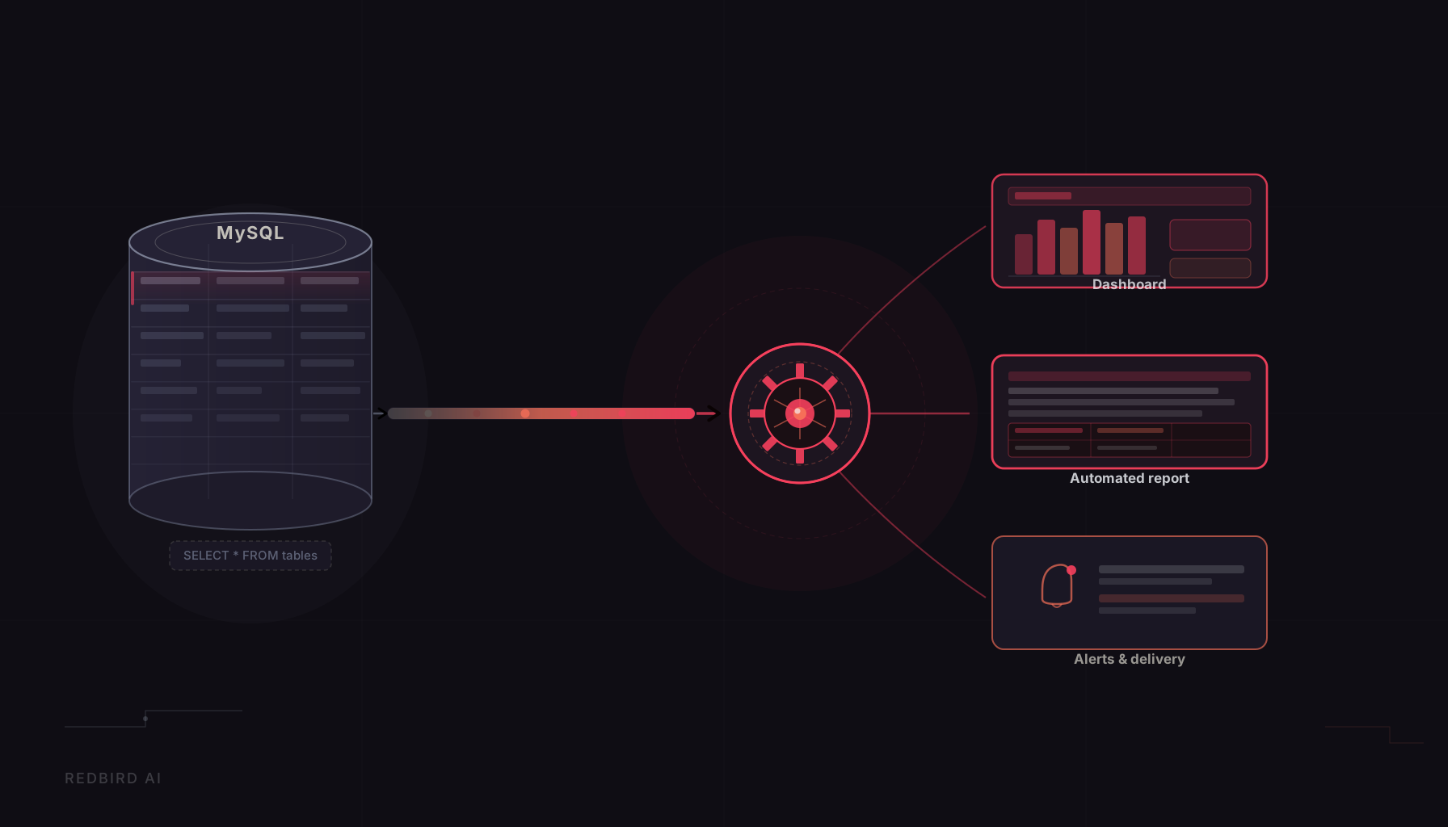
If your company uses MySQL, the challenge usually is not storing data. It is getting that data into the reports and workflows people actually use. For most analysts, that means filing a ticket with engineering and waiting. This article is about what happens when that bottleneck goes away.
Why MySQL Access Runs Through Engineering
In most organizations, analysts do not have direct access to MySQL databases. They know the data exists. They may even know which tables they need. But connecting a reporting tool to a production database requires credentials, network access, and often IT approval, none of which a business analyst can self-provision. The standard path is a data request ticket, a queue, and a few days of waiting for someone in engineering to run an export and send over a file.
That process works once. It does not scale. When the underlying data changes, the analyst files another ticket. When the report needs a new field, another ticket. Teams that depend on fast, iterative reporting end up spending more time managing requests than acting on data. The engineering team, for their part, is fielding repetitive extraction requests that consume time better spent elsewhere.
The bottleneck is not a people problem. It is a structural one. Analysts are kept at arm's length from data sources because the tools that enable direct access were built for engineers, not for the people who need the data most.
Where Traditional MySQL Connector Tools Fall Short
Most MySQL connector tools were designed for data engineering workflows. They offer replication controls, schema management, and monitoring features that assume the person configuring them already understands concepts like change data capture, incremental syncing, and SSL certificate management. For an analyst who has been granted database access to pull a report, that level of configuration becomes a barrier before they ever get to the data.
The failure modes compound quickly. An analyst with read-only access will hit a different error than one whose IP address has not been allowlisted, but most tools surface both as a generic authentication failure with no guidance on what actually went wrong. The technical depth is there. The accessibility is not. And when something breaks, the analyst is back to filing a ticket anyway.
Sometimes the issue is not the connector. It is permissions. Getting that distinction surfaced clearly, rather than buried in an error log, is the difference between a five-minute fix and a two-day back-and-forth with IT.
A Different Starting Point: AI Connect
Redbird's AI Connect feature starts from documentation rather than configuration. Instead of presenting a form full of technical fields, it asks for the documentation for the data source you want to connect, either a URL or a PDF. The platform reads that documentation, identifies what credentials and connection details are required, and presents them in plain language. You provide what is asked for, and the platform validates the connection before you proceed.
For an analyst who has been granted database access by IT, this changes the experience considerably. Rather than needing to know what a JDBC connection string is or which authentication method the database uses, the analyst provides the documentation their IT team pointed them to. AI Connect handles the interpretation. The analyst handles the credentials. Once validation passes, they can see the available tables and select what they need.
If validation fails, the feedback is specific enough to act on. Most connector failures come down to one of a handful of causes: a credential with insufficient permissions, an IP address that has not been allowlisted, an SSL requirement that was not accounted for. Knowing which one saves a round trip to the IT queue.
What the Setup Process Actually Looks Like
A common situation is an analyst who has successfully argued for direct database access, received credentials from IT, and then stalled out trying to configure a connector tool. With AI Connect, that stall point moves. The analyst uploads the relevant MySQL documentation, reviews the fields the platform has identified as required, enters their credentials, and submits. The connection validates and they are looking at a list of available tables within a few minutes of starting.
The tables they select flow into Redbird on whatever refresh schedule they set. The data becomes an input to their reporting workflow: joinable with other sources, available for transformation, and deliverable as formatted reports or dashboards. The IT ticket that used to be the only path to this data becomes optional rather than mandatory.
Staying Connected: What Happens When Things Change
Getting connected is step one. What happens after is where most connector tools go quiet. Credentials rotate. Schemas change. Both are routine in any active MySQL database, and both will silently break a reporting workflow if the connector does not handle them.
When credentials change, Redbird sends a notification immediately, with enough context to understand what happened and what needs to be updated. There is no silent failure, no report that stops refreshing with no explanation. The analyst knows about the problem as soon as it occurs and can re-credential without filing a ticket or waiting for engineering to diagnose the issue.
Schema changes are handled differently. When Redbird detects that a table's structure has changed upstream, it notifies the user and continues pulling the data. The workflow does not break. The analyst is informed, can review what changed, and can adjust their downstream logic if needed. That combination, proactive notification plus continued operation, is what makes a MySQL connection reliable over time rather than just at the moment of setup.
What to Look for When Evaluating MySQL Connector Tools
The right connector tool needs to work for both technical and non-technical users, cover the full setup experience, and stay reliable after the initial connection is established. A few questions are worth prioritizing in any evaluation.
Does the setup process require engineering involvement, or can an analyst complete it with documentation and database credentials? When a connection fails, does the tool explain specifically what went wrong? Does it validate before you build anything on top of it? And once the connection is live, how does it handle schema changes and credential rotations without requiring manual intervention every time something changes upstream?
Tools that answer those questions well tend to reduce the operational overhead of maintaining data connections over time, which is where most of the real cost sits. The initial setup is a one-time effort. The ongoing reliability is what determines whether self-service data access actually holds up in practice.
Connecting MySQL Is Usually the Easy Part
Keeping data reliable after schema changes, credential rotations, and team handoffs is where most teams lose time. A good MySQL connector removes the dependency on an engineering queue for data that analysts should be able to reach, configure, and maintain on their own.
AI Connect was built for that use case. By reading your documentation, identifying exactly what is required, validating before you commit, and handling the operational realities of a live connection, it removes the most common failure points from both the setup process and everything that follows. Teams that adopt it tend to notice the difference most in what stops happening: fewer tickets, fewer manual exports, fewer reports that quietly go stale.